
Commands
Every command the codebrew CLI provides.
All commands run through the codebrew program. Running it with no command prints the help screen.
| Command | Description | Options |
|---|---|---|
| wakeup | Guided start: banner, preflight check, mode picker, then chat. | None |
| chat | Interactive streaming chat session with conversation memory. | -m, --mode <agent|ask|plan> (default agent), -v, --verbose |
| talk <prompt> | One-off single-shot prompt, runs in the default agent mode. | -v, --verbose |
| doctor | Verifies Node.js 18+ and that ANTHROPIC_API_KEY is set. | None |
| hello | Shows the ASCII welcome banner. | None |
wakeup
The guided entry point. wakeup prints the banner, runs a preflight check against your Node version and API key, then hands you a mode picker before dropping you into chat. No flags to remember, just run it.
codebrew wakeup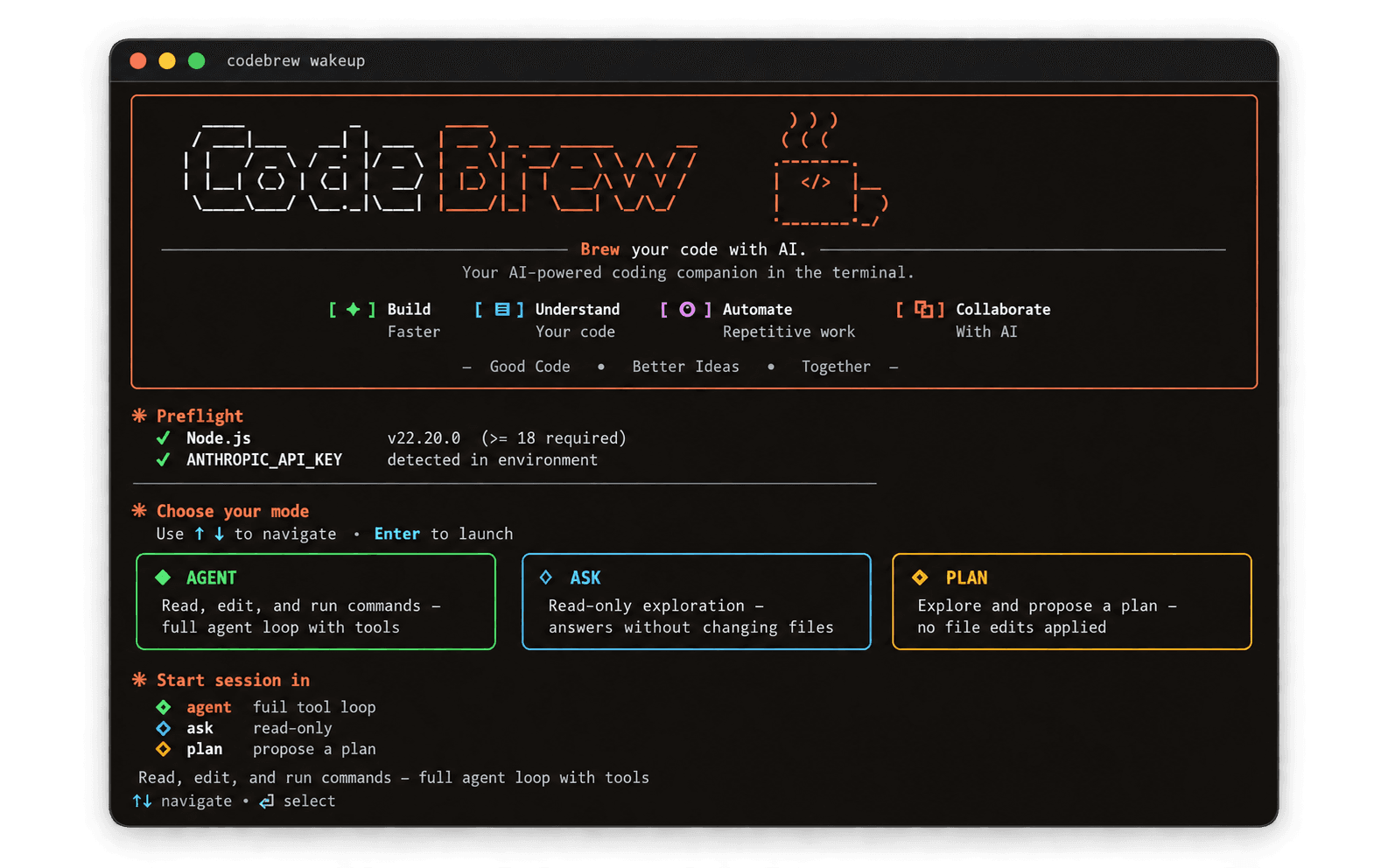
chat
The interactive session. chat starts a live REPL that remembers every turn, streams the agent's replies as they arrive, and lets you switch permission modes on the fly with /mode.
codebrew chat --mode agent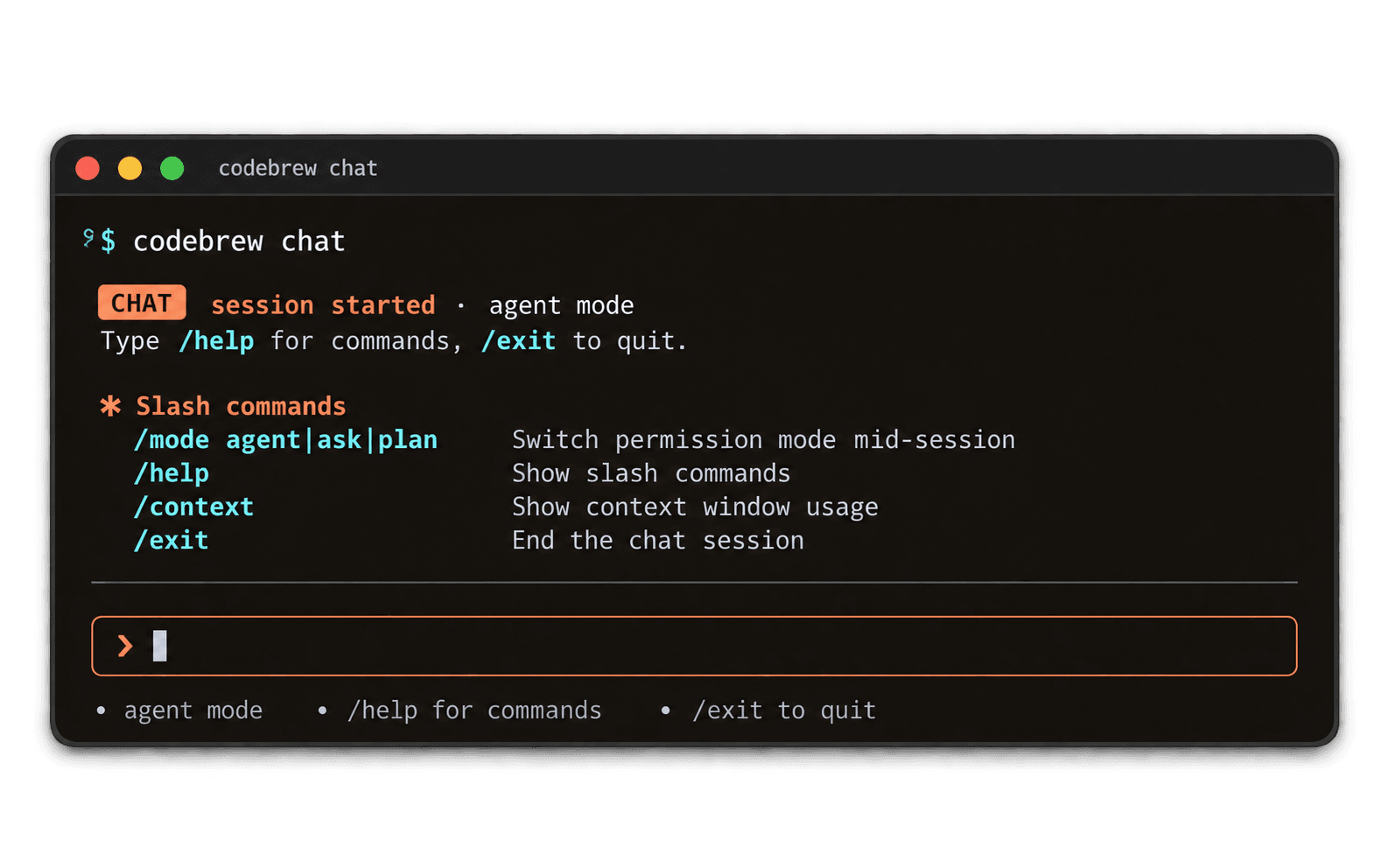
hello
A quick sanity check. hello prints the ASCII welcome banner without touching your environment or starting a session, useful for confirming the install worked.
codebrew hello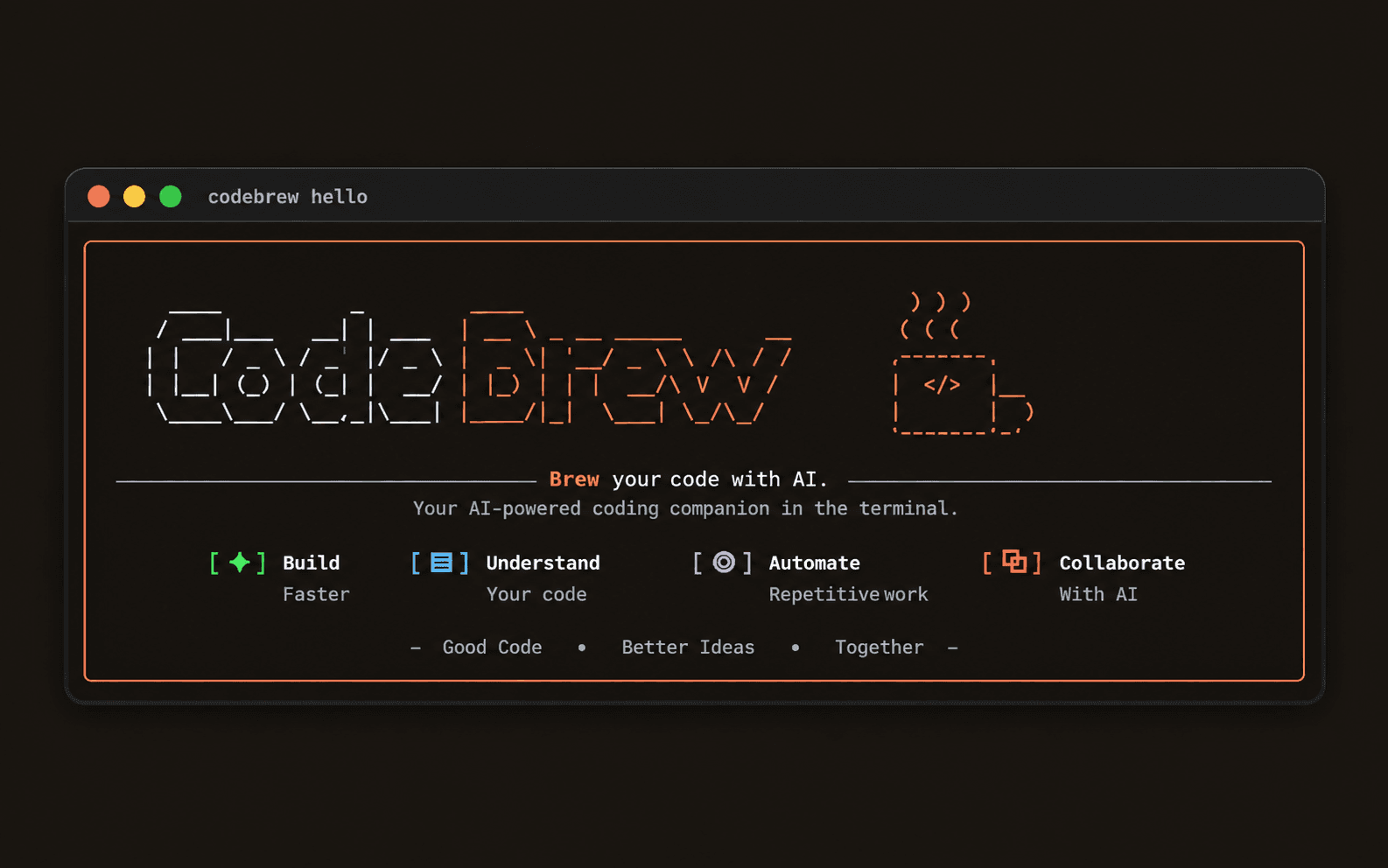
More examples
# Guided start: banner, preflight, pick a mode, then chat
codebrew wakeup

# Jump straight into an interactive chat in agent mode, verbose
codebrew chat --mode agent --verbose

# Interactive chat, read-only
codebrew chat --mode ask

# One-off single-shot prompt
codebrew talk "what does src/agents do?"

# Environment check
codebrew doctor